
Electronic Banking
Bank on the go—download our FREE mobile banking app!
Bank on the go—download our FREE mobile banking app!

Bank on the go—download our FREE mobile banking app!
Organize all your bills and have payments sent out on time, every time.
No need to juggle multiple websites or passwords – all of your bills can live in one place, organized to your specifications. Pay them all without writing checks or visiting the post office for a stamp refill.
Specify when you would like a payment to arrive and Bill Pay will make sure it gets to you on time, even if that means mailing a check if they can’t accept electronic payments. Need a helpful message to remind you when bills are due? Bill Pay can do that, too.
Set it and forget it! This is a great option for payments that don’t change from month to month, such as your car payment or mortgage.
If you’re already enrolled in Digital Banking, select Transfer & Payments and then Bill Pay in Digital Banking¹
If you’re new to Digital Banking and want to create an account:
For additional login information, please call 877-508-8455 or email [email protected]
Bill Pay is offered in addition to our online banking services. The service provides a way for you to pay all your bills in one place without a need for you to write a check. This service is free. You may sign up for Bill Pay in Online Banking.
We recommend using the most up-to-date version of either Microsoft Edge, Safari, Chrome, or FireFox to access Digital Banking.
Whenever you make use of our digital banking systems as a National Bank of Middlebury customer, we are concerned about the security of your personal financial information. We therefore incorporate a technology known as encryption into our website to make sure that your data is completely secure.
Specifically, when you access either of these two systems from our website, your browser and our site will switch to a secure mode. This is evident by the “https” that will appear in the URL (or web address) as opposed to “http.” Some browsers will show a locked padlock that indicates you are in a secure mode. Online Banking is secured using Extended Validation SSL certificates to provide the strongest SSL encryption so that your account information remains confidential while traveling over the internet.
Notify us as soon as possible if you suspect fraud.
National Bank of Middlebury will never send an email requesting you enter account information or personal information online.
Yes! You can transfer between your NBM account and your account at another financial institution within online banking. Note: You must be the owner of the account at the other institution. If you are looking to pay someone you know, use our Zelle® service. Click here to learn more about Zelle®
To transfer money between your NBM account and your account at another financial institution:
Questions? Call Customer Support at 802-388-4982.
There are no limits to the number of transfers you can make with Bill Pay. Bill pay is a free service that allows you to pay your bills through NBM Online Banking without having to write checks.
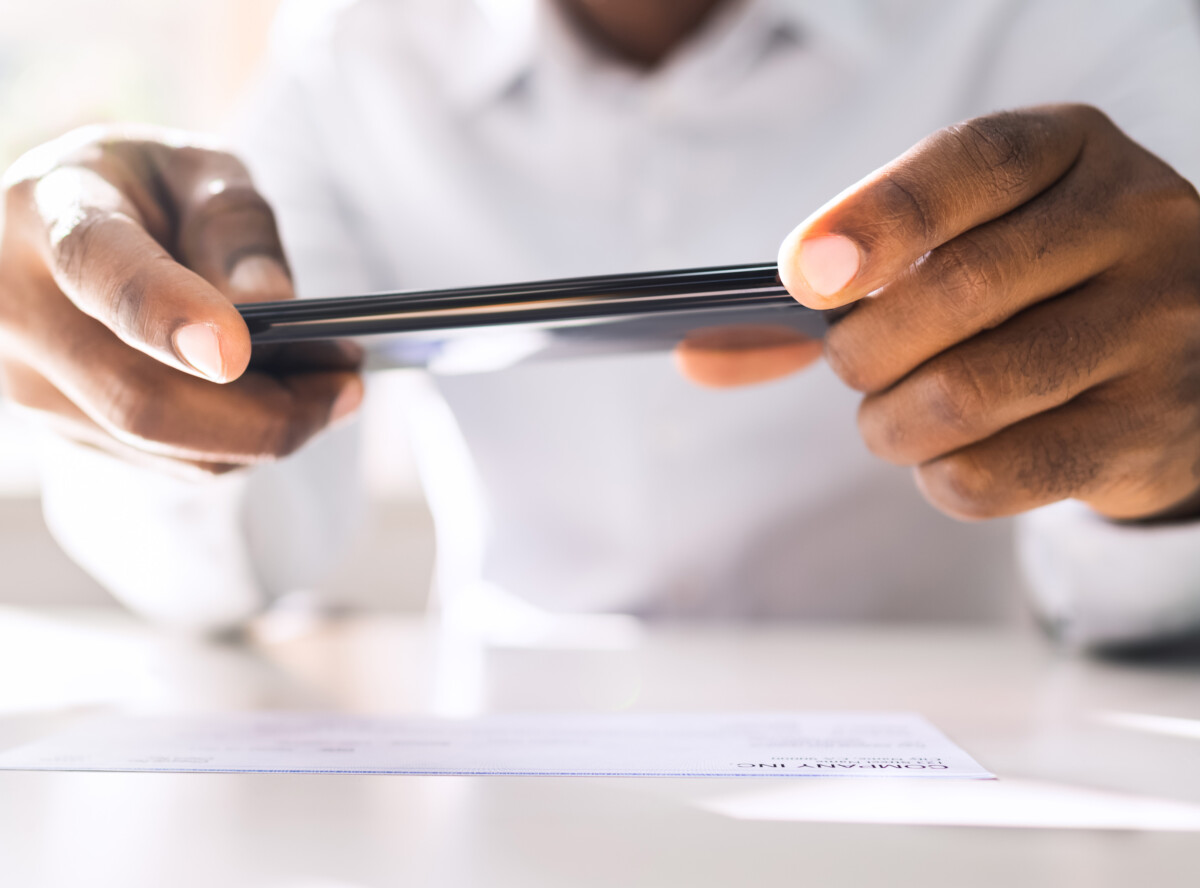
Mobile Deposit
Using a camera-enabled smartphone or tablet, you can make the deposit anytime, anywhere—no need to visit a branch, drive to an ATM or mail in a check!
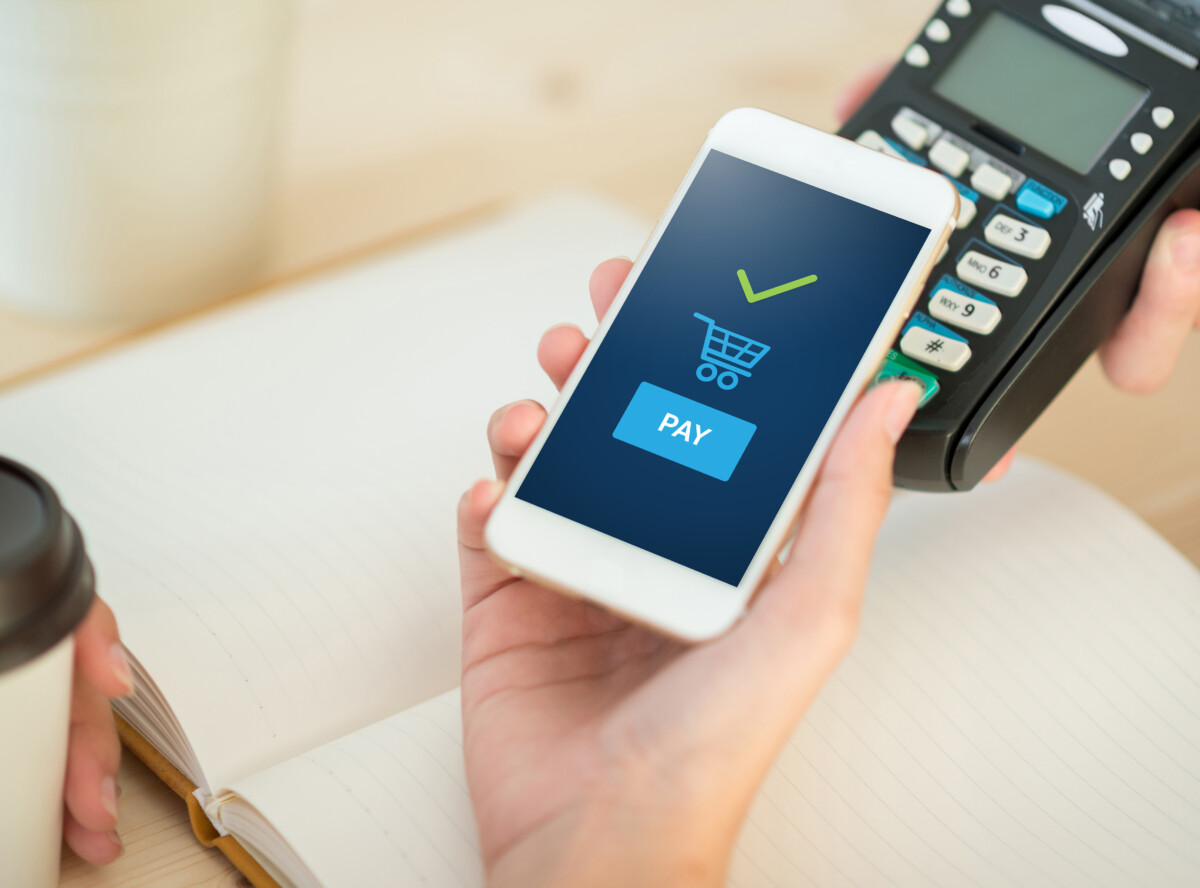
Mobile Wallet
Use your device to make payments in-store, online or in-app at any merchant who accepts wallet transactions.
Zelle
We have partnered with Zelle®, available right from online and mobile banking send and receive money with friends, family and other people you trust.
